This platform is not a medical device. All responsibility lies solely with the user.
Coming soon
Dental CAD in the browser

Crowns and night guards.
Seconds, not hours.

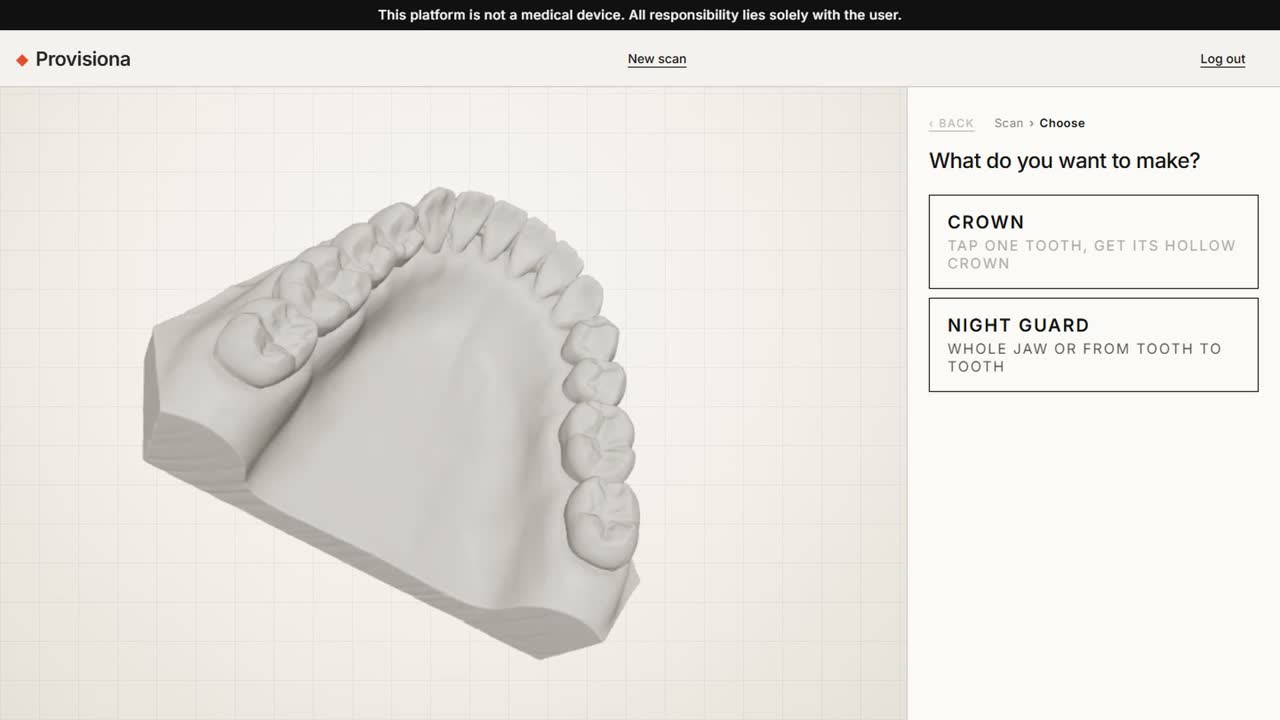
Open an intraoral scan, tap one tooth, and get a hollow provisional crown with closed walls, an even wall thickness and a clean margin. Or build a night guard for the whole jaw, or from tooth to tooth, at the thickness you choose. Save the STL and print.

Coming soon
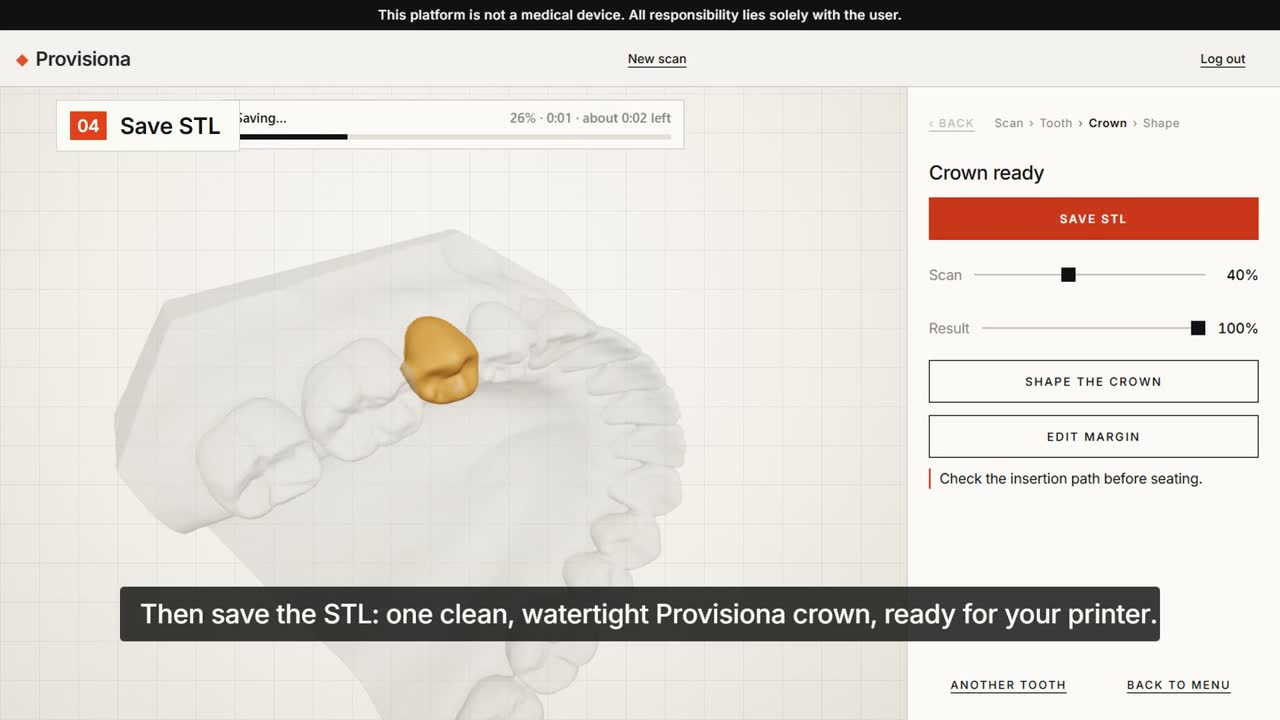
DeviCAD: a finished provisional crown on the scan, ready to save as STL
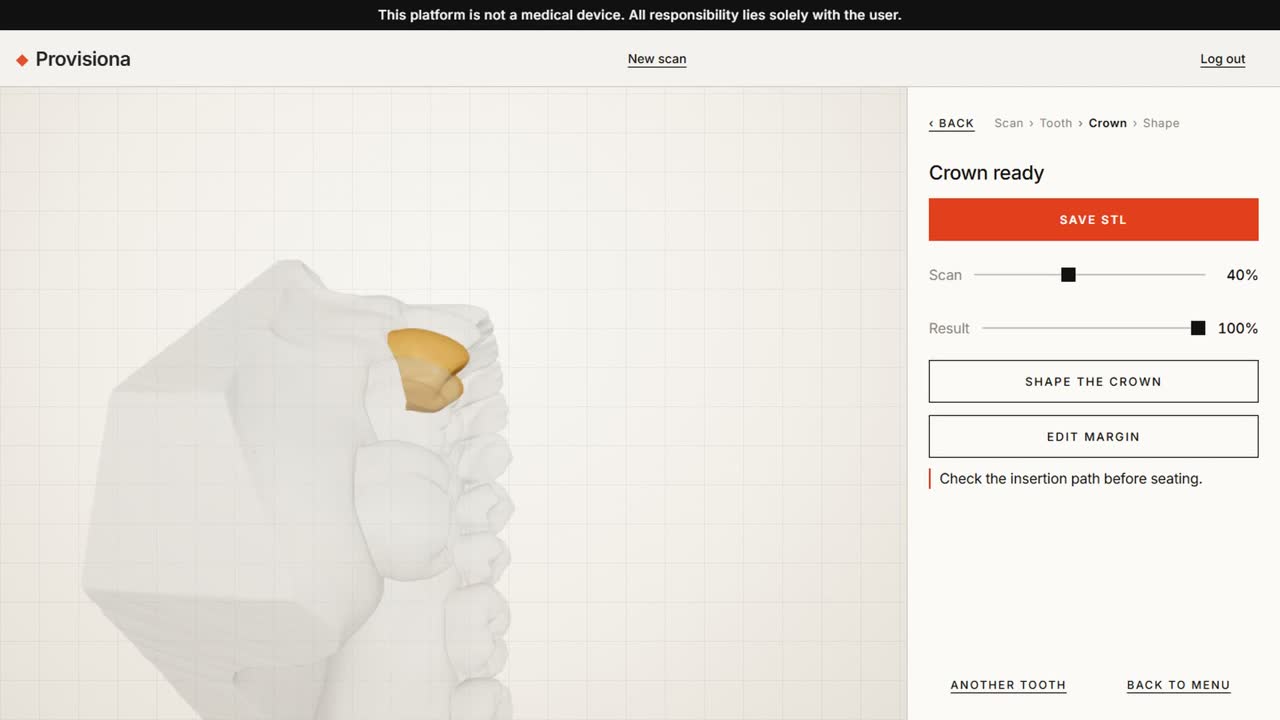
Crown ready
1 tapa provisional crown on the tooth you choose
1 jawa night guard, whole jaw or tooth to tooth
STLone clean, watertight shell, ready to print
0 installsruns in your browser
Choose Crown or Night guard after opening a scan
01

Open a scan

STL or PLY straight from your intraoral scanner. Choose crown or night guard.

The crown generated on the selected tooth
02

Tap the tooth

The crown is built on the tooth you chose, with an even wall and a clean margin.

Shape the crown, then save the STL
03

Shape and save

Fine-tune by hand if you want, then save the STL for your printer.

Night guard

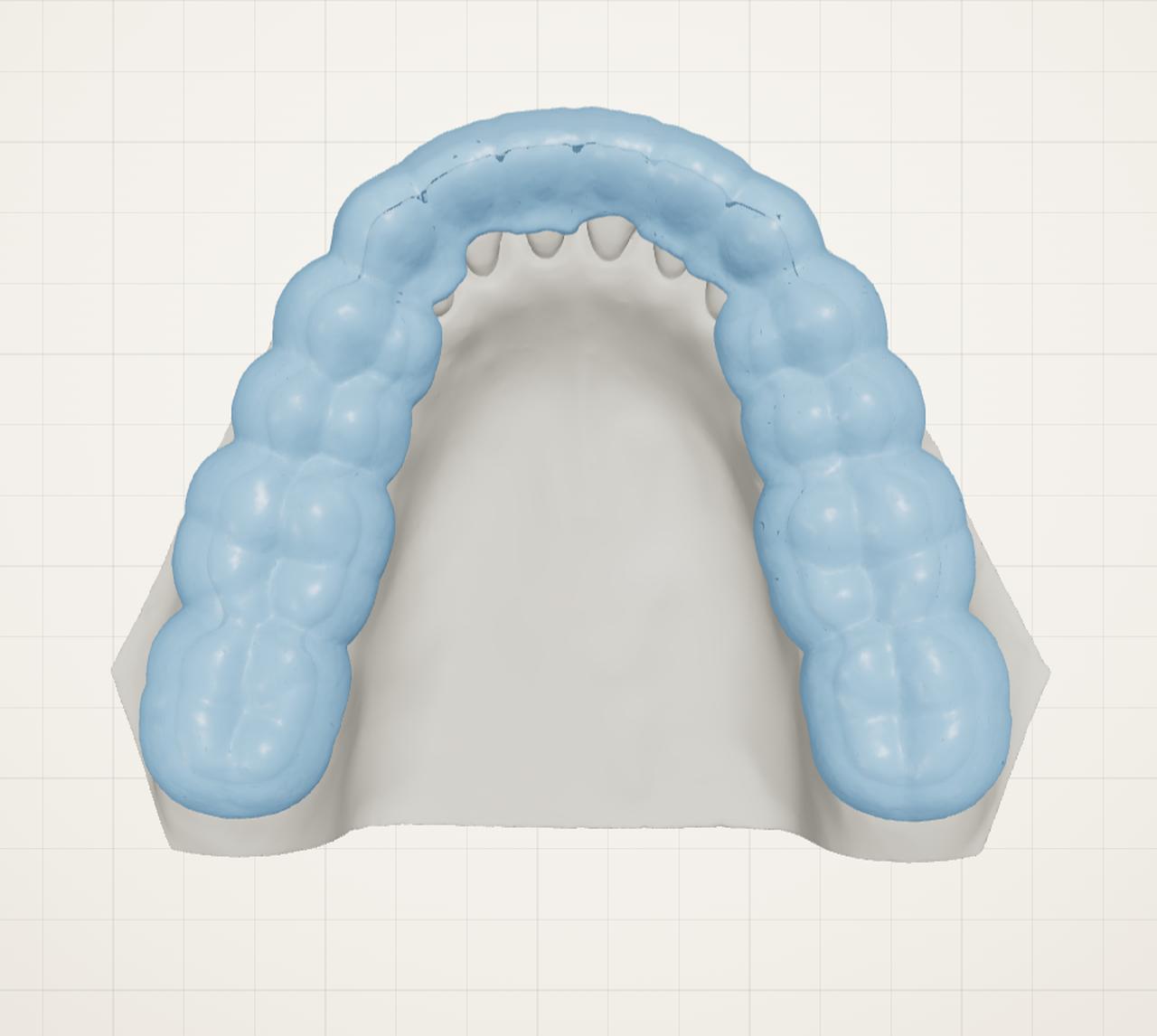
A night guard from the same scan.

Choose Night guard, then the whole jaw or a span from tooth to tooth. The teeth are marked for you; paint or erase to adjust, set the thickness, build, and save one STL ready for printing.

  1. 01Whole jaw or tooth to tooth
  2. 02Check and adjust the marking
  3. 03Set the thickness, build, save STL
DeviCAD: a night guard built on the whole jaw of a dental model, seen from above
Night guard